
What is the difference between Shopify app SEO and App Store optimization?
Shopify app SEO usually means earning discovery for the app’s website through search engines. App Store optimization concerns the listing and marketplace discovery. The surfaces share product language, but they have different controls and rules. A website article is not an App Store listing field.
For an app developer, the useful audience is merchants evaluating the problem your product solves. For a marketing agency, the audience is app founders seeking acquisition help. “Shopify app marketing agency” belongs to that second intent; it is not a merchant keyword for a returns, subscriptions, or wholesale app.
Use the Shopify app marketing guide for the overall channel plan. This article focuses on researching and assigning merchant search intent.
How do you find keywords Shopify merchants actually use?
Begin with the wording in support tickets, sales conversations, customer interviews, onboarding failures, and product feedback. Then inspect your own Search Console queries and the pages that received qualified visits. Keep customer information out of public keyword worksheets.
Separate observed queries from ideas. A phrase found in your Search Console is an observed search for your site, with a specific period and impression count. A phrase generated from a workflow is a hypothesis until research supports it. A likely question is useful for planning, but it is not a measured monthly search volume.
Record the merchant, task, buying stage, technical constraint, proposed page, and validation evidence. Avoid choosing a broad phrase solely because it appears popular; it may attract shoppers, developers, or store owners who cannot use your app.
What keywords might merchants search before installing a Shopify app?
The following are illustrative intent patterns, not a keyword-volume study. Adapt them to functionality your app supports and validate them against customer language and search data.
| Merchant intent | Hypothetical query | Useful page response |
|---|---|---|
| Solve a workflow problem | manage Shopify exchanges | Explain the supported exchange workflow and setup |
| Evaluate a category | Shopify returns management app | Describe fit, functionality, limitations, and pricing |
| Check compatibility | returns app for Shopify POS | State whether POS is supported and the boundaries |
| Plan migration | migrate returns portal to Shopify | Explain requirements and the supported migration path |
| Compare options | returns app alternatives for Shopify | Use a dated, evidenced comparison with disclosure |
| Resolve implementation | connect Shopify returns to helpdesk | Document the actual supported integration |
Download the Shopify app keyword planning worksheet. The example rows are ideas to validate, not approved product claims.
How should you turn merchant keywords into useful pages?
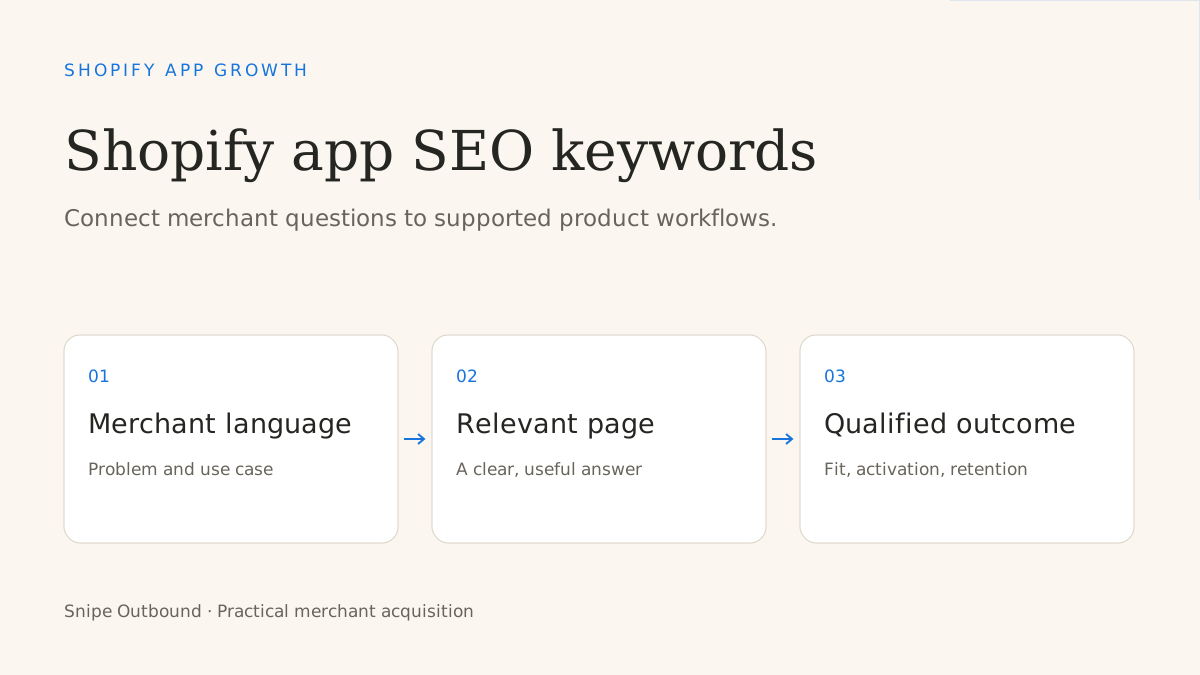
Assign one primary intent to each page. A workflow guide explains the task; a feature page explains product fit; an integration page documents compatibility; a comparison helps evaluate options; a setup guide supports implementation. Link each answer to the next relevant decision.
Group synonyms when they describe the same question. “Shopify returns app” and “returns management app for Shopify” may belong on one strong page. Do not create several near-identical pages just to swap the keyword order. Split content when the buyer needs a materially different answer, such as POS compatibility versus migration.
Use a descriptive heading, a direct opening answer, clear steps or comparisons, and evidence readers can inspect. Identify assumptions and product limitations. Add a relevant demonstration or installation path when the reader is ready for it.
Which Shopify App Store keyword rules should you follow?
Shopify’s listing best practices currently allow up to five relevant search terms, with complete words and one idea per term. Choose terms that accurately describe the app’s core function and use the designated fields.
The App Store requirements say not to add subtitle keywords merely to improve search performance. They also restrict listing claims, statistics, and testimonials in undesignated areas and require honest review practices. A website case study should not be pasted into a listing without checking the applicable rules.
Review the current requirements before changing your listing. A ranking or featuring promise from an outside agency does not establish control over Shopify’s discovery systems.
How should Shopify app content answer AI-assisted research questions?
A merchant may begin with a category question and then ask about compatibility, setup, pricing, alternatives, permissions, or migration. Anticipate those follow-up questions by writing clear answers based on actual functionality. These are predicted research paths, not claims about an AI system’s private query logs.
For example, “Which returns app fits my Shopify store?” can lead to “Does it support exchanges?”, “Does it work with my helpdesk?”, and “What does setup require?” Put the answers on appropriate, crawlable pages and connect them naturally. A page should help a merchant evaluate the product even when no AI system quotes it.
Accurate documentation, named sources, dates for comparisons, and explicit limitations make answers easier to assess. No keyword list guarantees inclusion in an AI response.
How do you measure whether Shopify app SEO brings the right merchants?
Track the original landing page and source, then follow the relevant outcomes: demo request, install, activation, paid conversion, and retention. Compare cohorts by use case and merchant segment. More impressions can reflect broader discovery without establishing better acquisition.
Shopify documents GA4 listing tracking and installation events. Use the current setup guide and reconcile listing data with product and CRM records. A completed install is distinct from activation and a retained paid customer.
If traffic rises but qualification falls, inspect query intent and page promises. If fitting merchants install but never activate, inspect onboarding and product fit. If larger accounts need evaluation, use the Shopify app demo-booking guide to provide a sales-assisted path.
Which Shopify app SEO pages should you build first?
Start with the product’s core workflow, the eligibility questions that block evaluation, the integrations buyers repeatedly ask about, and the setup steps that lead to first value. Add comparisons only when you can research the alternatives and maintain the page.
Choose a small group with a clear owner and update process. A practical content brief specifies the question, intended merchant, supported claims, source evidence, next action, and success measure. Article count alone does not establish authority or pipeline.
Snipe publishes this planning guide to help app teams choose acquisition work. Its managed service is researched cold email, replies, qualification, and demo booking; it does not deliver App Store optimization or SEO retainers.
Continue the Shopify app growth series: compare marketing agency models, choose acquisition channels, evaluate a lead-generation agency, build a qualified-demo process, and research merchant search keywords.